Equations & number theory
Linear, nonlinear, integer and mixed-integer systems; supported Diophantine and Pell equations; exact-integer routes and domain bounds.
Explore algebra →Windows x64 · Version 4.0 · 14-day full-featured trial
Patodia Equation Solver 4.0 brings advanced mathematical and scientific computing into one Windows desktop application. Discover multiple real solutions to supported nonlinear systems without supplying starting guesses. Then move beyond algebra with numerical calculus, differential equations, integral equations and a programmable workflow language.
No starting guesses applies to supported algebraic equation searches. Initial-value and boundary-value models require their mathematical conditions.

What makes it different
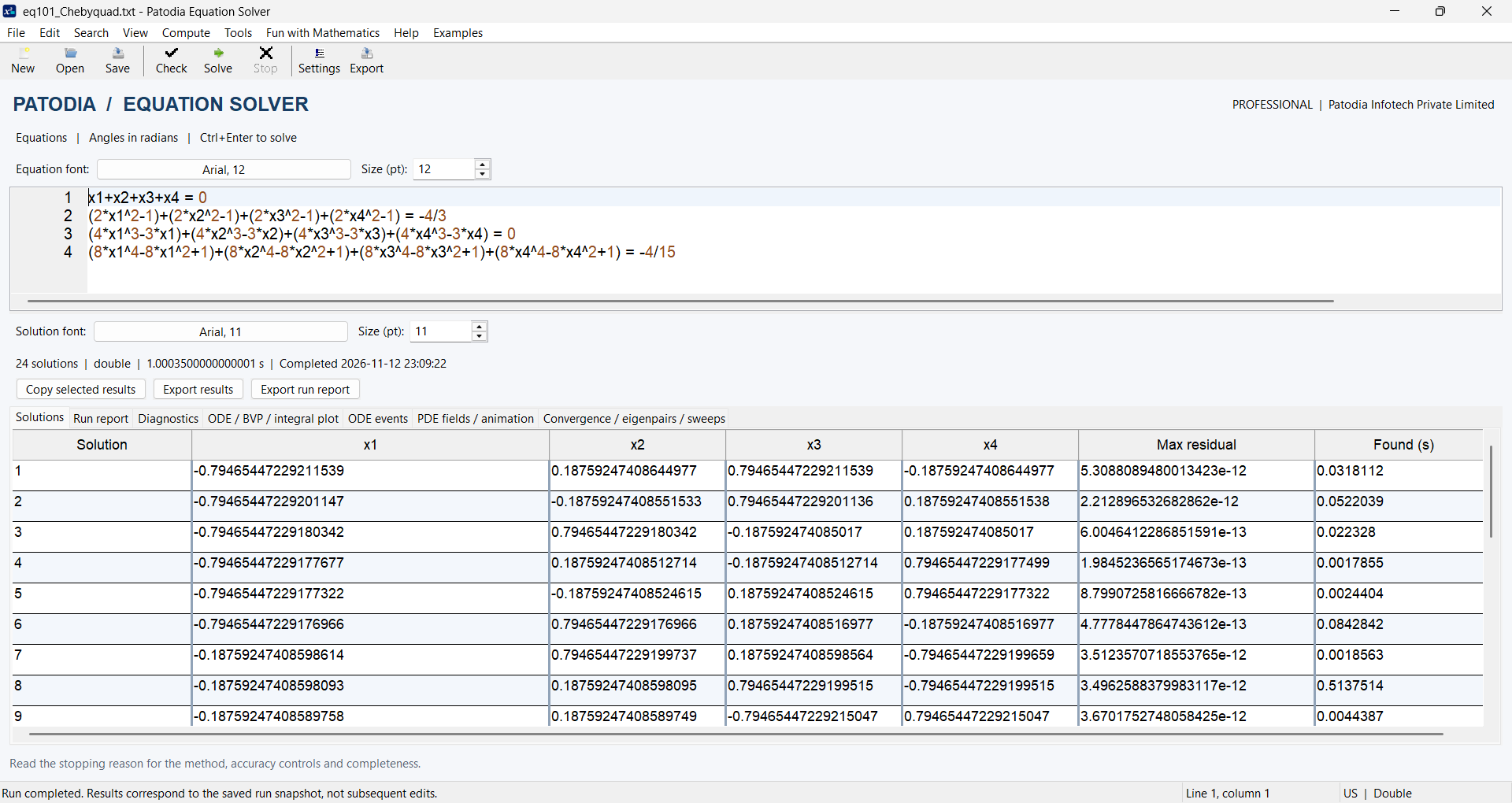
Many nonlinear systems admit several real solutions. Patodia Equation Solver automatically generates starts for supported searches, reports discovered solutions, and provides numerical residuals and diagnostics to help you assess their validity. It also supports integer and mixed-integer constraints for models where fractions are not meaningful.
The desktop can investigate coupled polynomial and transcendental equations and report distinct real roots. A model may admit multiple physical states or configurations; finding more than one mathematical answer helps researchers compare them with real-world bounds and assumptions.
Search results are not a proof that every possible root was found. Use bounds, residual checks and independent verification for important work.
See equation solving and number theory →A complete computing workspace
Beyond algebraic systems, the platform supports numerical integration, differentiation, interpolation, limits, singularities, ODEs, BVPs, PDEs, eigenvalue problems and second-kind integral equations. The supported problem classes and numerical methods are documented on the relevant pages.
Linear, nonlinear, integer and mixed-integer systems; supported Diophantine and Pell equations; exact-integer routes and domain bounds.
Explore algebra →Quadrature across multiple ranges, singularity analysis, limits, gradients, Hessians, tabular differentiation, interpolation and special functions.
Explore calculus →ODE initial-value problems, two-point BVPs, supported PDEs, eigenvalue calculations, Fredholm and Volterra integral equations.
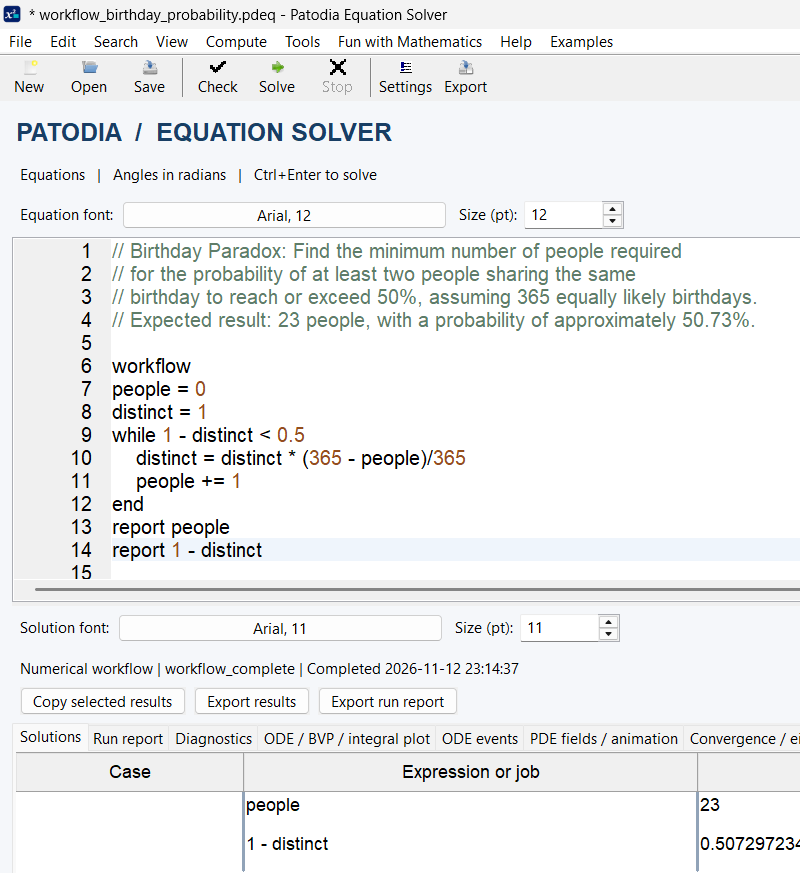
Explore differential models →Version 4.0 introduces a readable workflow language with variables, if, for, while, user-defined expression functions, collections, reusable models and named numerical jobs. Loop over parameters, test acceptance status, collect calculated values and report the result.
The birthday paradox is an accessible example: an elementary while loop finds that 23 people give a probability above 50% of at least one shared birthday, assuming 365 equally likely dates.
For education and research
Use the desktop editor to enter mathematical expressions, check syntax, run studies, inspect numerical status and export useful results. A complete example can become a classroom activity: predict a result, solve, alter parameters and explain the residual or discretization error.
Demonstrate nonlinear branches, numerical methods, differential models and the distinction between exact mathematical references and computed approximations.
Study parameter sensitivity and repeat calculations across selected domains. Workflow jobs combine numerical services into a documented sequence.
Explore equilibrium models, transport and field problems, dynamics and integral formulations within the explicitly supported equation classes.
The editor and results workspace place the model, calculated quantities and diagnostic information together. Version 4.0 also includes tools such as Equation Generator and mathematical activities for exploration.
View real screenshots and downloadable examples before starting a trial. The nine images across this site come directly from the Version 4.0 application.
Browse examples and screenshots →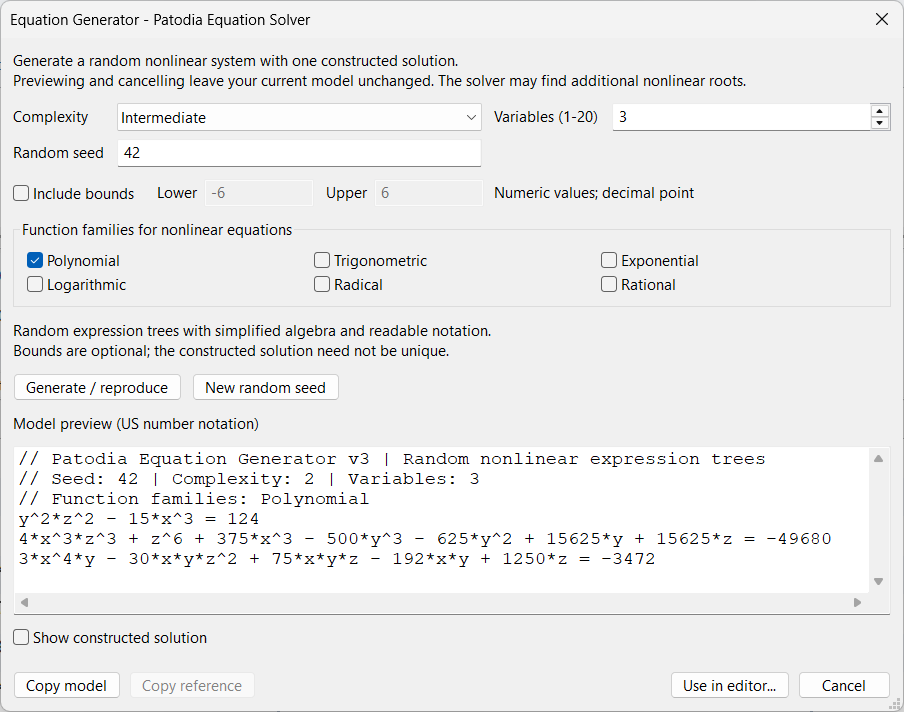
Get started
Install Patodia Equation Solver from Microsoft Store, use the 14-day trial, open a documented example and inspect the results. There is no need to install Python or compile source code for normal desktop operation.
Faculty can explore classroom examples and the 500-problem collected book. Academic and professional licensing information is available separately so this homepage remains focused on the product.
The User Guide 4.0 PDF is available to read or download. Browse all six documents on the Resources page.
Open / Download PDF ↗Windows desktop · Version 4.0
Install the software, open the examples and examine the results.